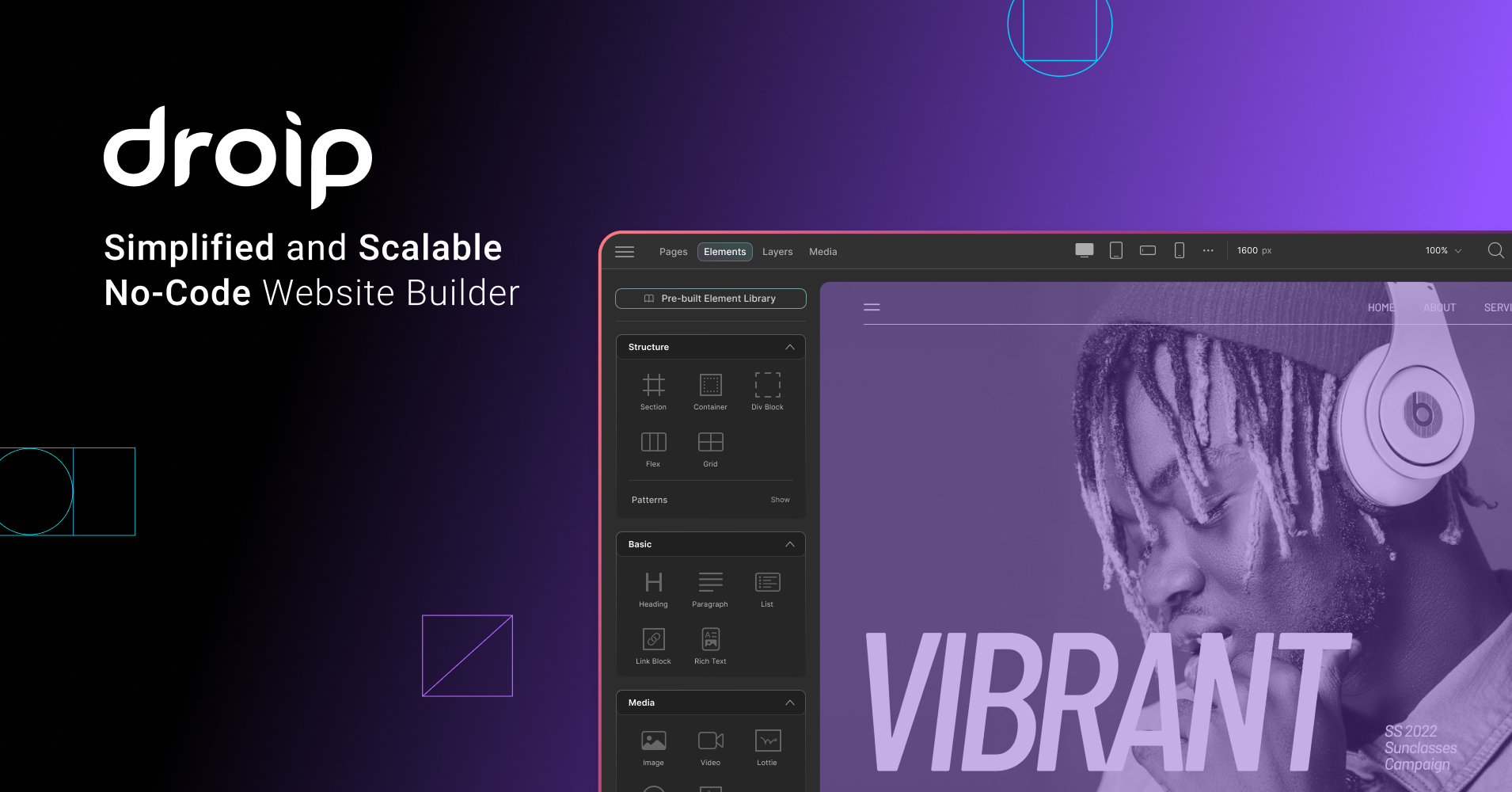
The No-Code WordPress Builder That Writes Clean Code
The world of WordPress page builders is crowded, to say the least. For years, developers and designers have navigated a sea of plugins that promise “drag-and-drop” ease but often deliver code bloat, slow load times, and rigid design constraints. As professionals, we frequently find ourselves trading design freedom for functionality, or performance for convenience.
Enter Droip, a no-code website builder for WordPress that claims to break these limits—and after looking under the hood, it’s a claim worth paying attention to.
What is Droip?
Droip is a no-code, drag-and-drop builder designed specifically for WordPress. Unlike traditional page builders that overlay heavy scripts on top of your theme, Droip focuses on generating clean, lightweight code while providing granular control over every element. It pitches itself as a tool where you can “Break Limits” and “Build Anything,” bridging the gap between graphical design tools and raw coding.
Precision Design with No Bloat
One of the standout features of Droip is its approach to layout and design. It doesn’t just give you rows and columns; it hands you the power of CSS Grids and flexbox layouts visually. This means you can create complex, multi-directional structures and manage spacing with pixel-perfect accuracy without writing a single line of CSS.
For the typographically inclined, Droip offers advanced typography controls, allowing for precise adjustments to fonts, spacing, and styles that go far beyond the standard bold and italic options found in many competitors.
Crucially, this design freedom doesn’t come at the cost of performance. Droip prides itself on clean code output. It generates minimal, well-structured code free from unnecessary bloat. By reducing reliance on third-party dependencies, it ensures that the websites you build are lightweight, secure, and blazing fast—a massive plus for SEO and user experience.
A Workflow for the Modern Creator
Droip seems to understand that building a website isn’t an isolated task; it’s part of a larger workflow.
-
Figma to Droip: If you design in Figma, Droip allows for seamless migration. You can import your static designs and turn them into live, responsive WordPress sites without rebuilding from scratch.
-
Interaction & Animation: The builder includes an advanced interaction timeline. You can design smooth, multi-step animations and trigger them based on scrolling, hovering, or page loads. It handles media assets like SVGs and Lottie files natively.
-
Droip AI: To speed up the creative process, Droip integrates AI tools to help accelerate your workflow, whether you are generating layouts or refining content.
Beyond Just “Looks”
For developers reading Devizone, a pretty interface isn’t enough. Droip includes robust functional tools:
-
Content Manager: Handle dynamic data efficiently and link it to any part of your design.
-
Form & Pop-up Builder: Native tools to build complex forms and engaging pop-ups without needing extra plugins.
-
Accessibility: Built-in features ensure your site is accessible to everyone, a critical requirement for modern web standards.
Conclusion
If you are tired of WordPress builders that feel like “training wheels” or those that slow your site down to a crawl, Droip is a compelling alternative. It combines the visual ease of a no-code tool with the technical precision and performance usually reserved for custom coding.
Ready to break limits? Check out